You have heard it a hundred times: "You should try journaling." Maybe your therapist recommended it, or a friend swears it changed their life, or you read an article about how writing things down reduces stress and improves emotional clarity. The science is solid. The intention is good. But there is one problem: you hate writing.
Not everyone thinks in paragraphs. Some people process out loud. Others prefer quick taps over long sentences. And plenty of people associate writing with school assignments, work emails, or the kind of forced self-expression that makes them want to close the app immediately. If that sounds like you, you are not broken, and you are certainly not alone. You just need a different kind of journaling app.
The good news is that a growing wave of apps has moved beyond the blank page. These tools let you journal by speaking, tapping, answering short prompts, or chatting with an AI. Each one removes the writing barrier in a different way. We tested five of the best and compared them below.
Why Traditional Journaling Apps Fail Most People
Most journaling apps are built for writers. They offer a text editor, a blank entry, and maybe a date header. Some add prompts like "What are you grateful for?" or "How do you feel today?" But even prompted journaling still requires you to sit down and type out full sentences. For people who dislike writing, this creates friction at every step.
Research on habit formation consistently shows that the biggest predictor of whether someone sticks with a practice is how easy it feels to start. It is not motivation, not willpower, and not even the perceived benefit. It is friction. When you open a journaling app and see a blank text box, the friction is immediate. Your brain has to translate thoughts into written words, organize them into coherent sentences, and then type them out on a phone keyboard. That is three layers of effort before you have even said anything meaningful.
The result? Most people abandon journaling within two weeks. Studies suggest that journaling app retention is well below 20% after the first month. The problem is not that people do not want to reflect. The problem is that writing is the wrong medium for many of them.
Five Apps That Let You Journal Without Writing
Each of these apps takes a different approach to removing the writing barrier. Some replace writing entirely. Others reduce it to the bare minimum. Here is what we found after testing each one.
Puffy: Voice-First Journaling
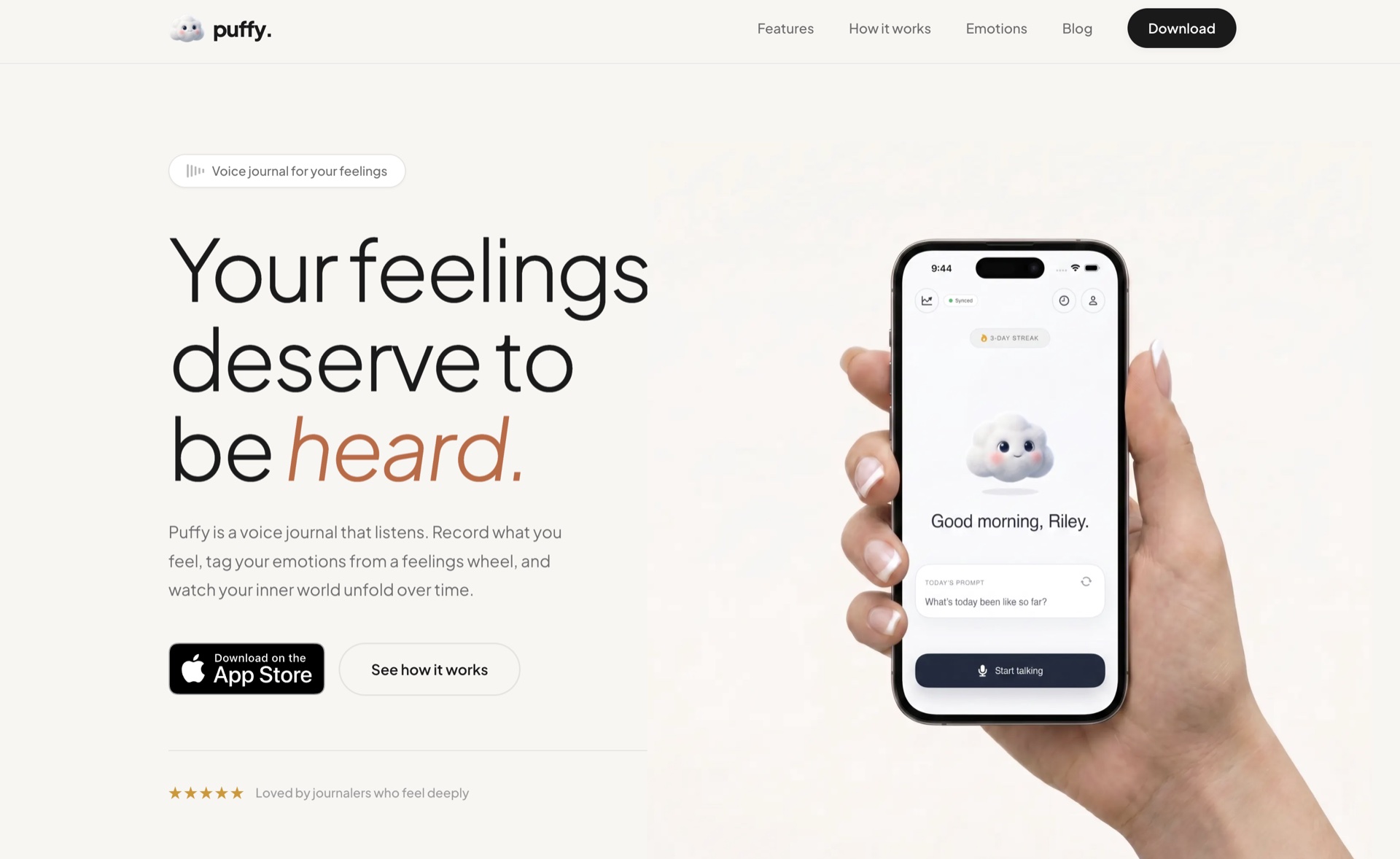
Puffy is built around one idea: you should be able to journal by talking. You open the app, tap record, and speak. There is no prompt to answer and no structure to follow. You just talk about whatever is on your mind: your day, a conversation that is bothering you, something you are excited about. When you stop recording, Puffy transcribes your words, tags the emotions it detects using a feelings wheel model (six primary emotions, each with sub-emotions), and saves the entry.
What makes Puffy different from other apps with voice recording is that the entire experience is designed around speaking. The emotions are extracted from your speech, not selected manually. The transcript is cleaned and formatted by AI. Over time, you can see patterns in your emotional landscape: which feelings show up most often, how they shift week to week, and what triggers them.
For people who hate writing, Puffy is about as frictionless as it gets. You talk for two minutes, and the app does the rest. There is nothing to type, nothing to select, and nothing to organize.
Daylio: Tap-Based Mood Tracking
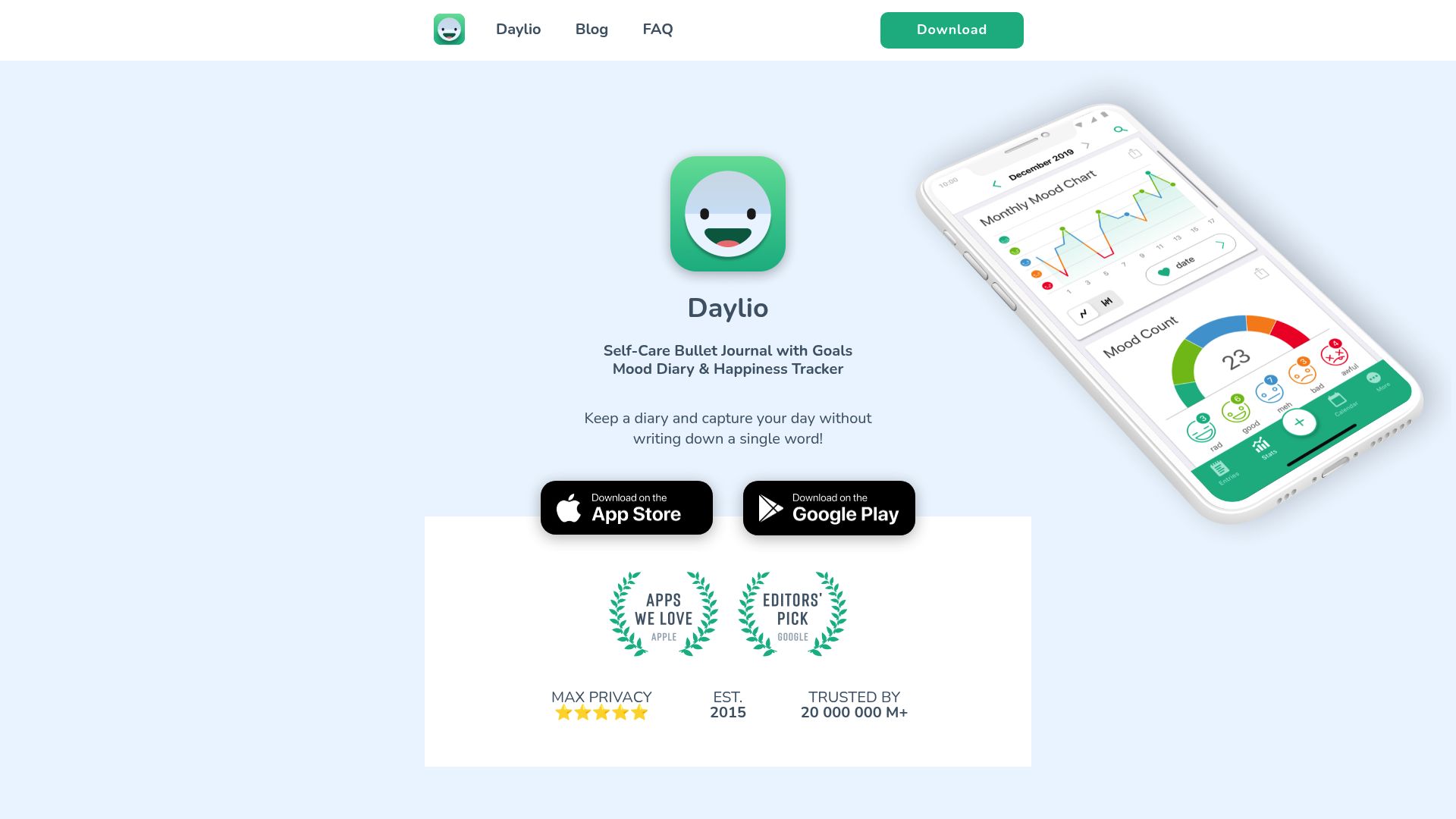
Daylio takes a radically minimalist approach. You do not write anything at all. Instead, you select a mood from five levels (ranging from "awful" to "rad"), then tap a few icons representing your activities for the day: exercise, socializing, work, cooking, gaming, and so on. The whole process takes about 15 seconds.
The trade-off is depth. Daylio captures what happened and how you felt in broad strokes, but it does not capture the nuance of your thoughts. You will not get the same emotional processing benefit as speaking for a few minutes about something bothering you. But if you have tried journaling five times and given up every time because writing feels like homework, Daylio might be the app that finally sticks. Consistency beats depth when the alternative is nothing at all.
Rosebud: AI-Guided Reflection

Rosebud replaces the blank page with a conversation. When you open the app, an AI asks you a question: "How are you feeling today?" You type a short response (or sometimes just a few words), and the AI follows up with another question. The conversation continues for a few exchanges, gently guiding you toward reflection without requiring you to organize your own thoughts.
This approach works well for people who freeze in front of a blank page but do fine when someone asks them questions. The AI handles the structure, and all you have to do is respond. It still involves some typing, but short responses to specific questions feel very different from composing a journal entry from scratch.
Reflectly: Short Guided Prompts
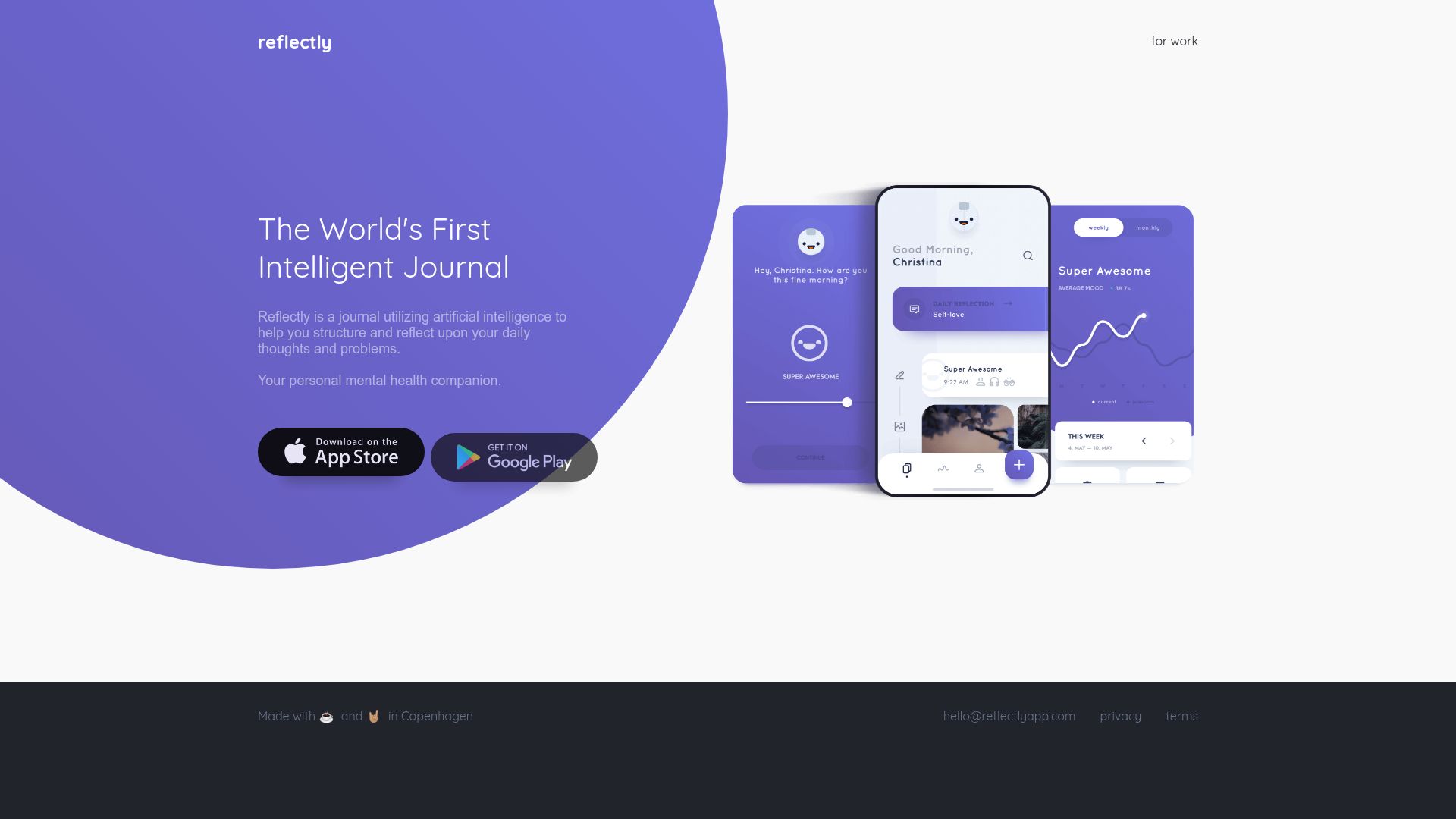
Reflectly structures your journaling into a series of quick prompts. You start by rating your day, then answer two or three short questions (like "What was the best part of your day?" and "What could have gone better?"). Each answer only needs a sentence or two. The entire check-in takes about two minutes.
Reflectly is a good middle ground for people who want some written reflection but do not want to stare at an open-ended text box. The prompts eliminate the "what do I even write about?" problem, and the brief format keeps the commitment low. The downside is that you are constrained to the questions the app chooses for you, which may not always match what you actually need to process.
AudioDiary: Quick Voice Capture
AudioDiary is a straightforward voice recording app. You tap record, speak, and save. There is no AI transcription, no emotion detection, and no analysis. It is essentially a voice memo app with a calendar view so you can look back at past entries by date.
The appeal of AudioDiary is its simplicity. If all you want is a place to talk through your day without any bells and whistles, it does the job. The limitation is that without transcription, you cannot search your entries, and without any emotional tagging, you cannot track patterns over time. It works best for people who want the absolute minimum viable journaling experience.
Comparison at a Glance
The table below summarizes how each app handles the core question: how do you journal without writing?
| Feature | Puffy | Daylio | Rosebud | Reflectly | AudioDiary |
|---|---|---|---|---|---|
| Input method | Voice recording | Tap mood + activities | AI chat conversation | Short guided prompts | Voice recording |
| Requires typing | ✗ | ✗ | ✓ | ✓ | ✗ |
| AI transcription | ✓ | ✗ | ✗ | ✗ | ✗ |
| Emotion tracking | Auto-detected (feelings wheel) | 5-level mood scale | AI-inferred | Mood rating | ✗ |
| Time per entry | 2-5 minutes | 15 seconds | 3-5 minutes | 2-3 minutes | 1-5 minutes |
| Pattern insights | ✓ | ✓ | ✓ | ✓ | ✗ |
| Free tier | ✓ | ✓ | ✓ | ✗ | ✓ |
Which Approach Is Right for You?
The best approach depends on why you dislike writing and what you want from journaling.
- If you process thoughts by talking, a voice-first app like Puffy is the natural fit. You get the full emotional processing benefit of journaling without touching a keyboard.
- If you want the absolute lowest time commitment, Daylio's tap-based model is hard to beat. Fifteen seconds per entry means you will actually do it every day.
- If you need structure to get started, Rosebud's AI conversation or Reflectly's prompts give you a framework. You are still typing, but you never have to figure out what to say on your own.
- If you just want a private voice memo diary, AudioDiary keeps things as basic as possible. No AI, no analysis, just your recordings organized by date.
Why Removing Friction Matters More Than the "Right" Method
There is a tendency in the self-improvement world to optimize for the "best" practice. People debate whether morning pages are better than evening reflection, whether gratitude journals are more effective than classic expressive writing exercises, and whether handwriting beats typing. These debates miss the point entirely.
The most effective journaling method is the one you will actually use. A two-minute voice entry recorded on your commute delivers more benefit than a thirty-minute writing session you keep meaning to start but never do. A daily mood tap in Daylio teaches you more about your emotional patterns than a beautifully detailed journal you abandoned after three days.
Research by BJ Fogg at Stanford's Behavior Design Lab consistently shows that tiny habits built around low friction outperform ambitious practices that require motivation. The same principle applies here. If writing is the barrier between you and journaling, remove the writing. Do not force yourself through a medium that does not match how your brain works.
The apps listed in this guide each reduce friction in a different way. Puffy removes it by letting you talk. Daylio removes it by reducing input to taps. Rosebud and Reflectly remove it by providing structure. AudioDiary removes it by stripping away everything except a record button. None of these approaches is objectively superior. The right one is whichever approach makes you think, "I could actually do this every day."
Getting Started Today
If you have tried journaling before and quit, give yourself permission to try a completely different format. Download one of the apps above, commit to three days (not thirty), and see whether the reduced friction makes a difference. You might discover that you do not actually hate journaling. You just hated writing.
Puffy is free to download on iOS and Android. If talking through your thoughts feels more natural than typing them, it might be the journaling app you have been looking for. But if another approach on this list resonates more, go with that. The goal is not to find the perfect app. The goal is to start reflecting, in whatever form feels right to you.